There's a moment every business owner wants to avoid: a client calls to tell you your website is down. Or worse, nobody calls, and orders just quietly stop arriving. Either way, you were the last to find out about a problem on your own system.
Failures announce themselves. If someone is listening
Most IT problems don't strike out of the blue. A disk fills up for weeks before it's full. A server runs hot for days before it stops. A certificate has an exact expiry date, known a year in advance. A failing backup reports an error every night. Into a log nobody reads.
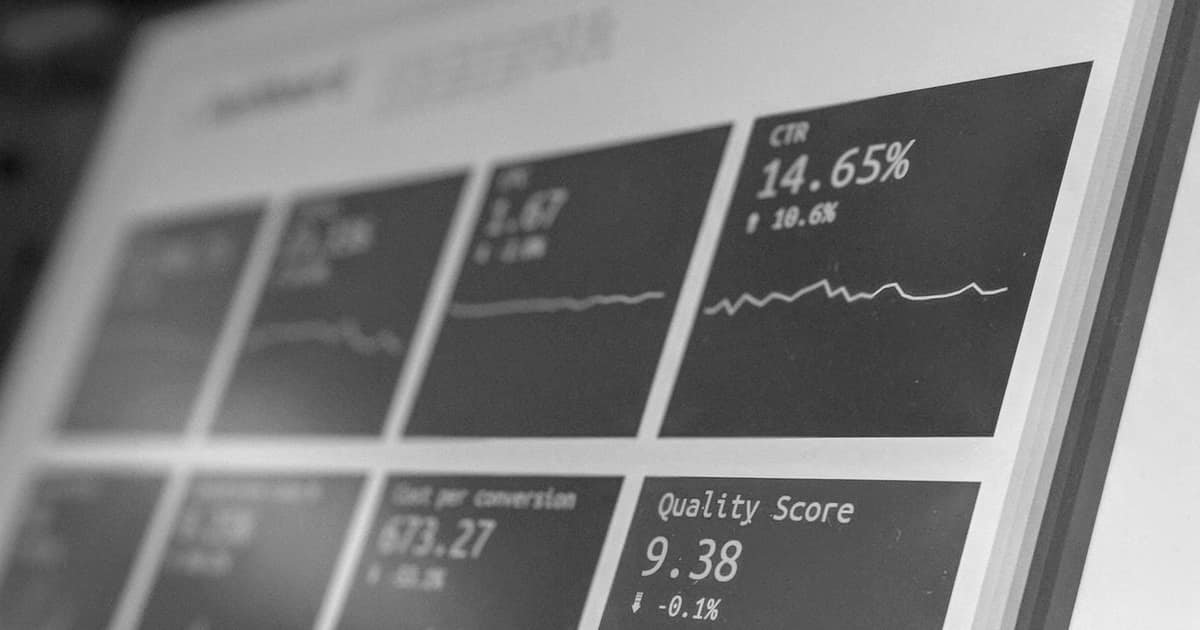
Monitoring is the system that listens to those announcements around the clock: it watches servers, network equipment, services, the website, disk usage, certificate validity and backup jobs, and speaks up the moment something deviates. Not tomorrow at a meeting; immediately, with a message.
The difference, in numbers
Without monitoring, the typical scenario goes like this: the web shop goes down on Friday evening and someone notices on Monday morning. Sixty hours of downtime, lost orders, and probably a customer or two who won't come back.
With monitoring: the alert arrives at 21:47, the problem is fixed within the hour, and most customers never know anything happened. Same technology, same failure, a very different outcome. That's also roughly where the "is it worth it" question answers itself: one prevented weekend outage typically pays for a year of monitoring.
What gets monitored in a small company?
You don't need a corporate control centre. A sensible scope for a small business covers: website and email availability, server and network equipment health, disk usage, certificate and domain expiry, and: especially important, confirmation that the backup actually completed. Proven open-source tools do an excellent job here, so the cost is mostly in expert setup, not licences.
One note from experience: monitoring has to be well tuned. A system that sends fifty irrelevant alerts a day is worse than none, because the real alarm drowns in the noise. The art is in receiving few messages. Each of which means something.
Well-configured monitoring changes the very nature of IT maintenance: planned tasks instead of firefighting. Instead of "why is nothing working?!". "it was fixed before you noticed."