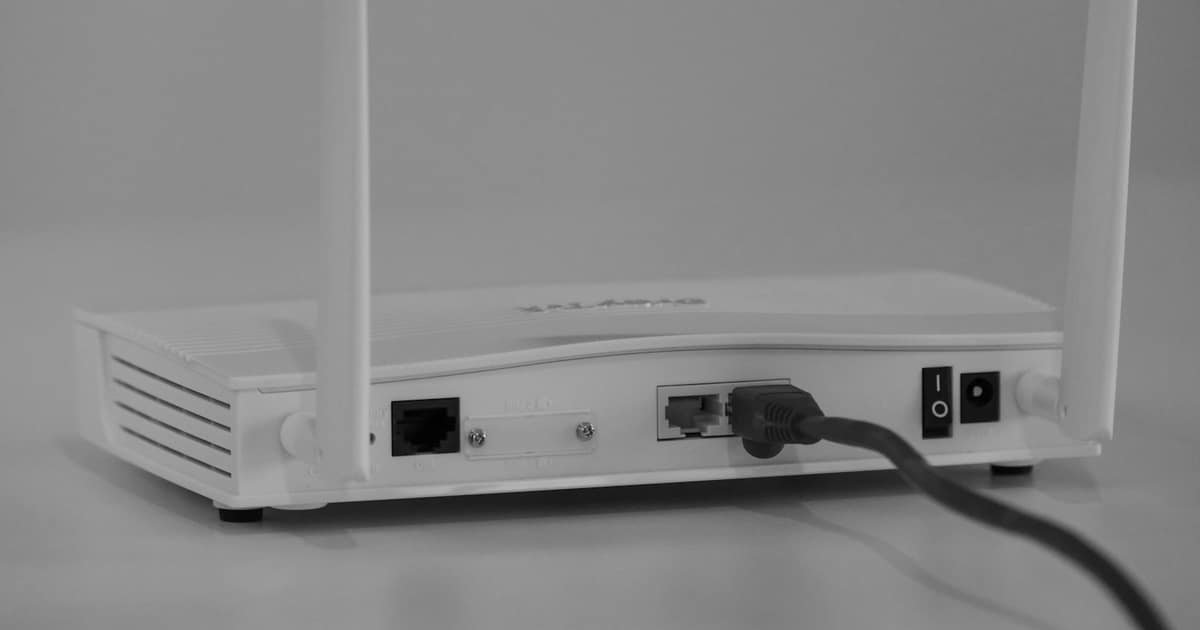
A scenario we see all the time: the company grows, headcount climbs, and the Wi-Fi still runs on a single home router from an electronics store. It works. Until it doesn't. Video calls drop, the meeting room is a dead zone, and guests connect to the same network as accounting.
What's the difference between a home and a business network?
A home router is built for five to ten devices and one flat. An office is a different story: dozens of devices, concrete walls, printers, cameras, POS terminals, laptops in meetings and everyone's phones: all at once.
A business wireless network rests on three things home equipment doesn't have:
Multiple access points working as one system. Instead of a single router blasting from a corner, professional access points are distributed through the space, and your device hands over from one to the next seamlessly as you move. No dropped calls, no reconnecting.
Central management. Every access point is managed from one place. You see who's connected, what they're consuming and where the problem is, instead of guessing and rebooting routers.
Separate networks for separate purposes. Employees, guests and devices like cameras or POS terminals each get their own network. A guest at reception should have no path to your server, and on a properly configured network, they don't.
Coverage planning: science, not guesswork
The most common mistake is buying equipment first and improvising after. The correct order is the reverse: first survey the space, wall materials, layout, user count, interference, and determine the number and placement of access points from that. It's called a site survey, and the difference between a network designed with one and without one is felt every single working day.
What about the hardware?
Today's standard for business premises is WiFi 6/6E gear from reputable manufacturers, with WiFi 7 for more demanding installations. More important than the acronyms: the equipment must support central management, VLANs and employee authentication, and someone has to configure it correctly.
A well-designed wireless network is infrastructure for the next five to seven years. A badly designed one is a quiet daily cost: dropped calls, frayed nerves and security holes nobody sees until it's too late.